Google

Broken Link Finder Bot
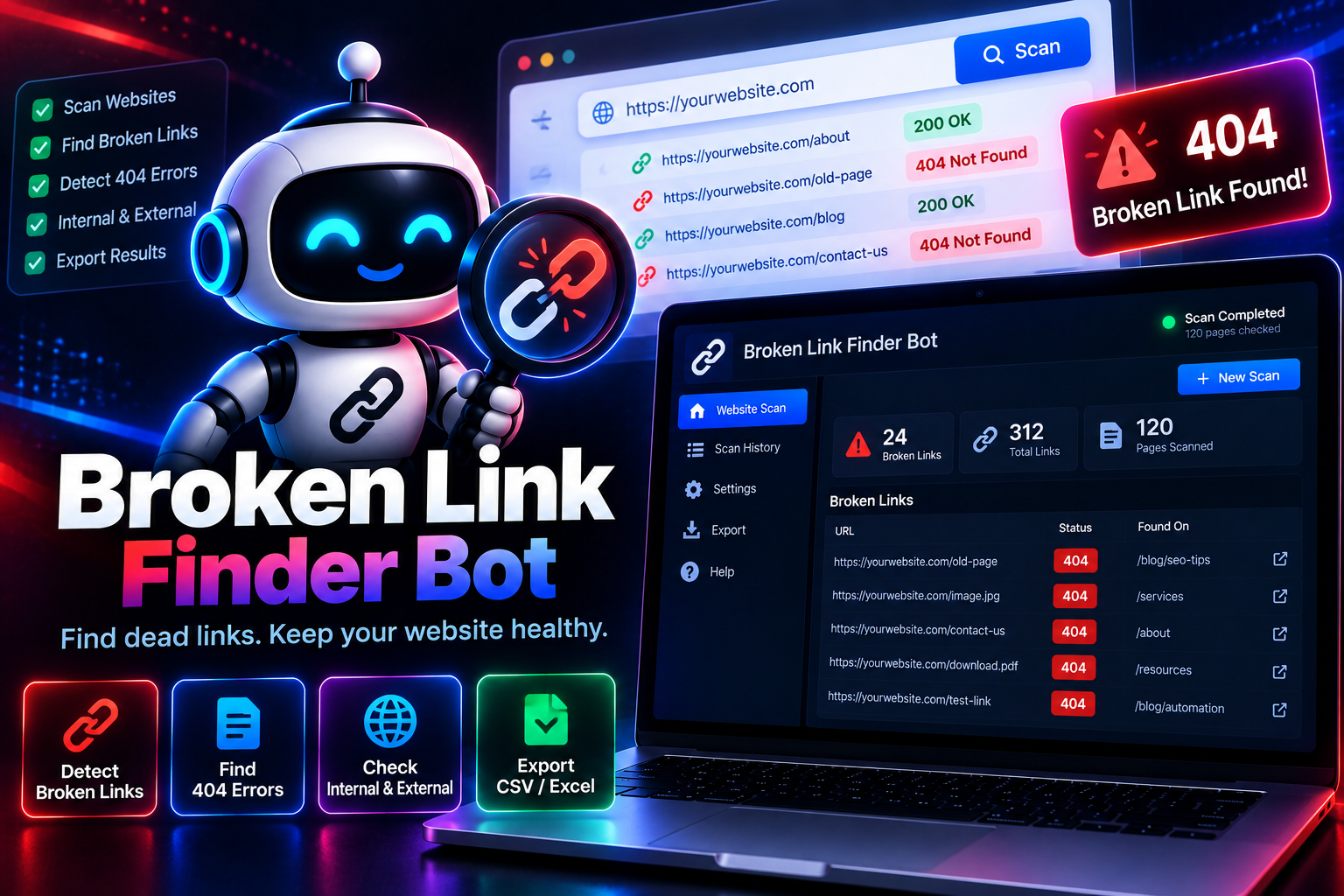
A link that worked fine last year can quietly stop working today, and visitors who click it just hit a dead page. Link Check Bot crawls through a website, tests every link it finds, and reports back exactly which ones are broken — dead pages, 404 errors, and links that redirect somewhere they shouldn't. That's the whole job: find the broken links and tell you where they are.
System Ready to run
Platform Windows / macOS / Linux (Python-based, Chrome required)
Version v1.0.0
Broken Link Finder Bot
Product Information

Details

Price
119$
Category
Google
Platform
Windows / macOS / Linux (Python-based, Chrome required)
Version
v1.0.0
License
Single-Site Commercial License
Updates
Free updates for 6 months
Support
Email Support/Whatdsapp Support
Setup Time
Roughly 5-10 minutes to get running
Requirements
Windows 10+, macOS 11+, or Ubuntu 20.04+
Google Chrome (latest version)
Python 3.9+ (installs automatically during setup)
Stable internet connection
4GB RAM minimum
Output Formats
CSV, Excel (XLSX), JSON, Google Sheets (via API)
Features

What’s included

01

Full Site Crawl

Works through a website's pages, testing every link found along the way.

02

Broken Link Detection

Identifies links that return errors like 404s or fail to load at all.

03

Redirect Chain Flagging

Notes when a link redirects through multiple hops before landing on a final page.

04

Source Page Reference

Records exactly which page each broken link was found on.

05

Internal & External Link Checks

Tests both links pointing within the site and links pointing to outside pages.

06

Exportable Fix List

Sends the full list of broken links to CSV or Excel, ready for cleanup.

Workflow

How it works

STEP 1

Enter the Website URL

Provide the site you want scanned for broken links.

STEP 2

Choose Crawl Depth

Decide how many pages deep the scan should go.

STEP 3

Run the Scan

The bot crawls the site and tests each link it comes across.

STEP 4

Review the Broken Link List

See every dead link along with the page it was found on.

STEP 5

Export for Fixing

Download the list as CSV or Excel to guide your cleanup.

Use Cases

Use cases

Web Developers

Catch broken links after a site migration or redesign before users find them.

Content Editors

Clean up old blog posts and pages with links that have since gone dead.

SEO Specialists

Fix broken links that could be hurting page authority or user experience.

Site Owners

Run a periodic check to make sure the site stays free of dead links.

FAQ

Frequently asked questions

No, it does one thing only — finding and listing broken links on a website.
It can scan any public website you have permission to crawl, including your own.
Both — it tests links pointing within the site and links pointing to outside pages.
The bot only checks publicly accessible pages and links. Following the site's own terms of use is the user's responsibility.
Crawl depth is adjustable, so both small sites and larger ones can be scanned within a reasonable time.
Changelog

Version history

Version v1.0.0
2024-10-22
Full release combining all development stages — full site crawl, broken link detection, redirect chain flagging, source page reference, and export all included from launch.