Email

Bulk Email Sender Bot
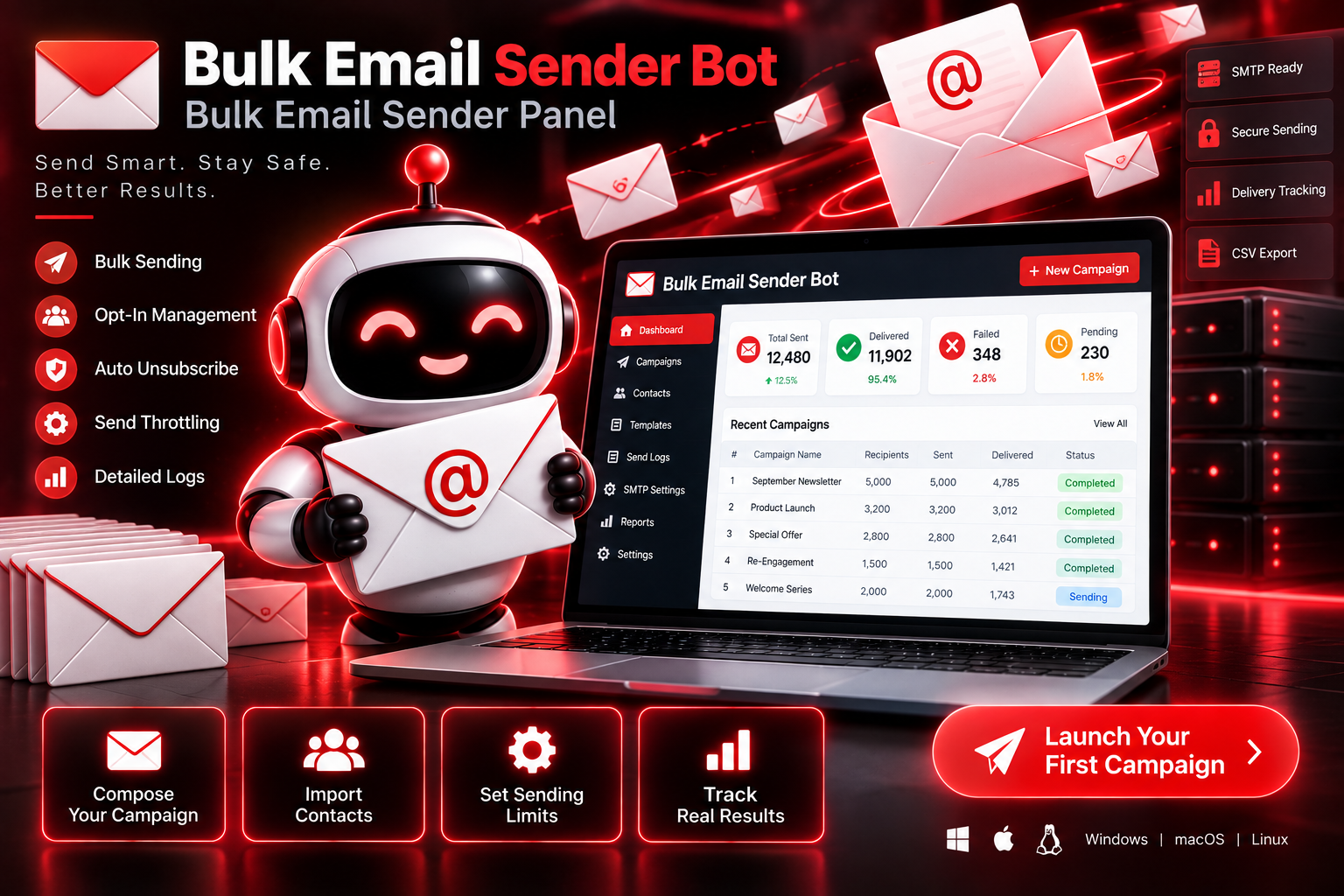
Sending bulk email through a personal inbox usually ends one of two ways: messages land in spam, or the account gets flagged entirely. Mail Broadcast Bot is a self-hosted sending panel built to avoid both outcomes — it only emails contacts marked as opted-in, spaces out sends with randomized delays instead of blasting everything at once, adds a working unsubscribe link automatically, and caps how much goes out per day. It's built around one idea: a campaign that actually gets delivered is worth more than one that goes out fast and gets your account banned.
System Ready to run
Platform Windows, macOS, Linux (Chrome required)
Version v1.0.0
Bulk Email Sender Bot
Product Information

Details

Price
77$
Category
Email
Platform
Windows, macOS, Linux (Chrome required)
Version
v1.0.0
License
Single-Site Commercial License
Updates
Free updates for 6 months
Support
Email Support/Whatdsapp Support
Setup Time
Roughly 5-10 minutes to get running
Requirements
Windows 10+, macOS 11+, or Ubuntu 20.04+
Python 3.9+ (installs automatically during setup)
Your own SMTP account or business email provider credentials
Stable internet connection
4GB RAM minimum
Output Formats
CSV, Excel
Features

What’s included

01

Opt-In Contact Management

Keeps every contact's subscription status on record and only sends to those marked opted-in.

02

Automatic Unsubscribe Links

Adds a working unsubscribe link to every email without any manual setup.

03

Randomized Send Throttling

Spaces out each send with a randomized delay to avoid patterns that trigger spam filters.

04

Daily Sending Cap

Limits how many emails go out per day to stay within safe sending volume.

05

Message Personalization

Inserts each contact's name into the subject and body so messages don't read as identical blasts.

06

Full Send Logging

Records every send attempt — delivered, failed, or skipped — for a complete audit trail.

Workflow

How it works

STEP 1

Connect Your Email Account

Enter your SMTP or business email credentials to connect your sending account.

STEP 2

Add or Import emails

Add contacts individually or import a CSV list, each marked with opt-in status.

STEP 3

Write Your Campaign

Compose a subject line and message, using placeholders for personalization.

STEP 4

Review and Send

Save the campaign as a draft, then confirm sending when you're ready.

STEP 5

Track the Results

Watch delivery progress and review the full send log afterward.

Use Cases

Use cases

Small Business Owners

Send newsletters or promotions to an opted-in customer list without risking their main inbox.

E-commerce Sellers

Notify subscribers about new arrivals or sales at a safe, steady pace.

Local Service Providers

Reach past clients with seasonal reminders or updates.

Marketing Agencies

Run compliant email campaigns for multiple clients from one self-hosted panel.

FAQ

Frequently asked questions

No, it does not provide, sell, or harvest email addresses. It's meant to be used only with contacts who've already agreed to hear from you.
No tool can guarantee inbox placement, since that depends on many factors. This bot is built to reduce risk through opt-in sending, throttling, and unsubscribe compliance.
Any provider that supports standard SMTP sending, including most business email services.
The bot ships with a conservative default cap, which you can adjust, though staying cautious protects your sending reputation.
It's self-hosted — it runs on your own machine, and your contact data and credentials stay with you.
Changelog

Version history

Version v1.0.0
2024-07-31
Full release combining all development stages — opt-in management, automatic unsubscribe links, send throttling, daily caps, personalization, and full logging all included from launch.