Scraping

Discord Scraper

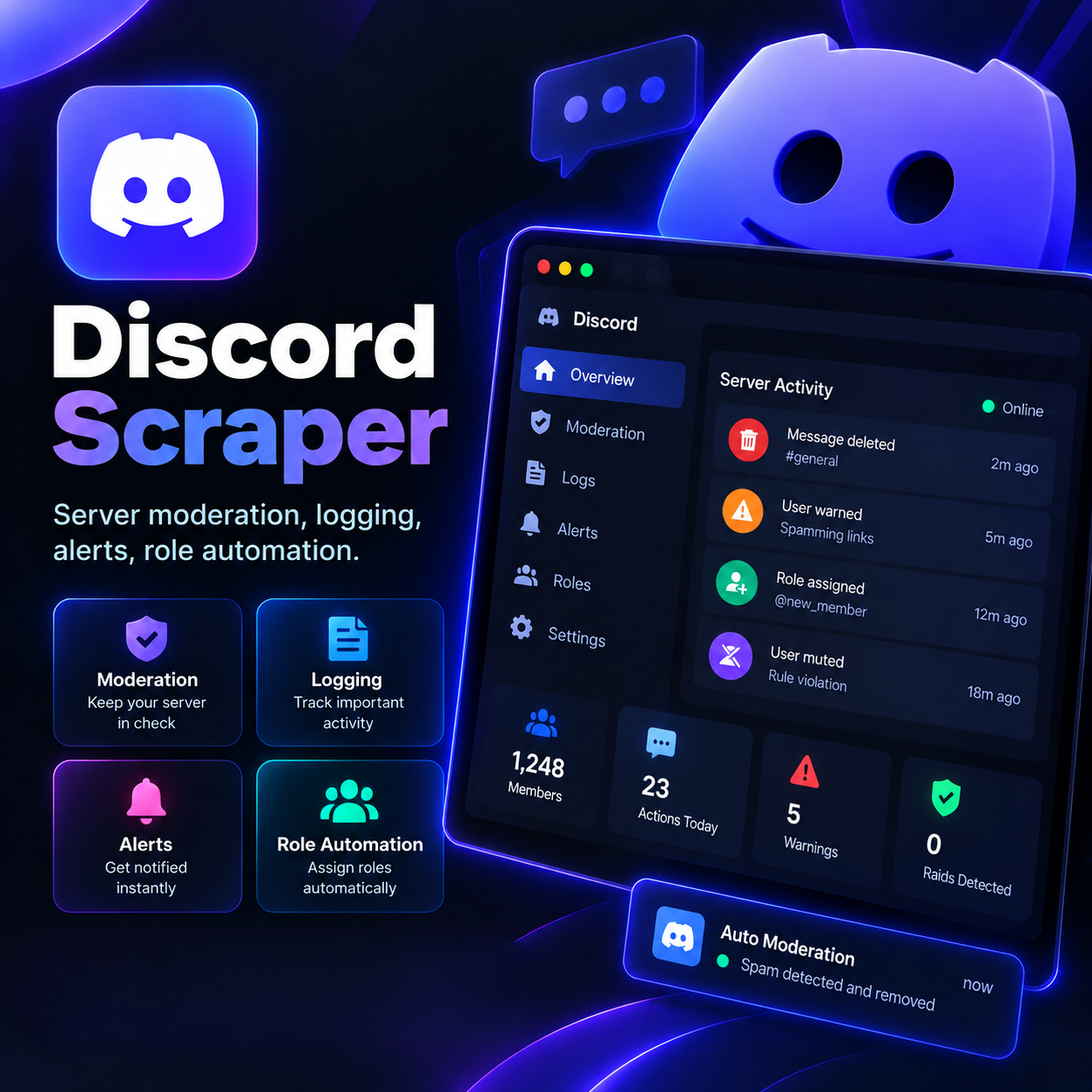
Running a busy Discord server without automation means someone's always awake spam-cleaning, checking who joined, or manually assigning roles. Guardian Bot takes that load off your team — it watches chat for rule-breaking, logs everything that matters, sends alerts the moment something needs attention, and hands out roles automatically based on the rules you set. Your community stays clean, your mods stay sane.
System Ready to run
Platform Windows / macOS / Linux (Python-based, Chrome required)
Version v2.1.0
Discord Scraper
Product Information

Details

Price
83$
Category
Scraping
Platform
Windows / macOS / Linux (Python-based, Chrome required)
Version
v2.1.0
License
Single-Site Commercial License
Updates
Free updates for 6 months
Support
Email Support/Whatdsapp Support
Setup Time
Roughly 5-10 minutes to get running
Requirements
A Discord server where you have admin permissions
Windows 10+, macOS 11+, or Ubuntu 20.04+ (for the optional desktop control panel)
Stable internet connection
Bot invite permissions enabled on your server
Output Formats
CSV, Excel (XLSX), JSON, Google Sheets (via API)
Features

What’s included

01

Automated Moderation

Detects spam, banned words, and rule violations, then mutes, warns, or removes the offending message automatically.

02

Full Activity Logging

Keeps a record of joins, leaves, message edits, deletions, and mod actions in a dedicated log channel.

03

Instant Alerts

Pings your mod team the moment something needs human attention — raids, mass mentions, or repeated offenses.

04

Role Automation

Assigns or removes roles automatically based on reactions, verification steps, or activity level.

05

Custom Rule Builder

Set your own trigger words, thresholds, and actions without touching a line of code

06

Exportable Logs

Pull moderation history and server activity into CSV, Excel, or JSON for record-keeping.

Workflow

How it works

STEP 1

Invite the Bot to Your Server

Add Guardian Bot with a single click using the invite link provided after purchase.

STEP 2

Configure Your Rules

Set banned words, spam thresholds, and the roles you want auto-assigned.

STEP 3

Choose Your Log Channels

Pick where moderation actions and activity logs should be posted.

STEP 4

Let It Run

The bot moderates, logs, and manages roles continuously in the background.

STEP 5

Review or Export Anytime

Check the log channel live, or export the full history whenever you need it.

Use Cases

Use cases

Gaming Communities

Keep large, active servers spam-free without needing mods online 24/7.

Paid Membership Servers

Automatically assign access roles the moment a member verifies or joins.

NFT & Crypto Communities

Catch scam links and impersonators before they reach your members.

Educational & Study Servers

Log activity and automate role setup for classes, cohorts, or study groups.

FAQ

Frequently asked questions

You need admin or manage-server permissions on the Discord server to install and configure it.
Yes, the bot uses Discord's official bot API and standard permissions — no unofficial access methods involved.
Yes, banned words, spam limits, and actions are all adjustable through the rule builder.
This license covers one server. Additional server licenses are available separately.
You're covered — free updates are included for 6 months from your purchase date.
Changelog

Version history

Version v2.1.0
2026-06-24
Added custom rule builder; improved raid detection; minor bug fixes.
Version v1.8.0
2024-12-31
Added role automation via reactions; exportable logs added.
Version v1.5.0
2021-11-01
Introduced instant alert pings for mod teams.