Whatsapp

whatsapp AI bot

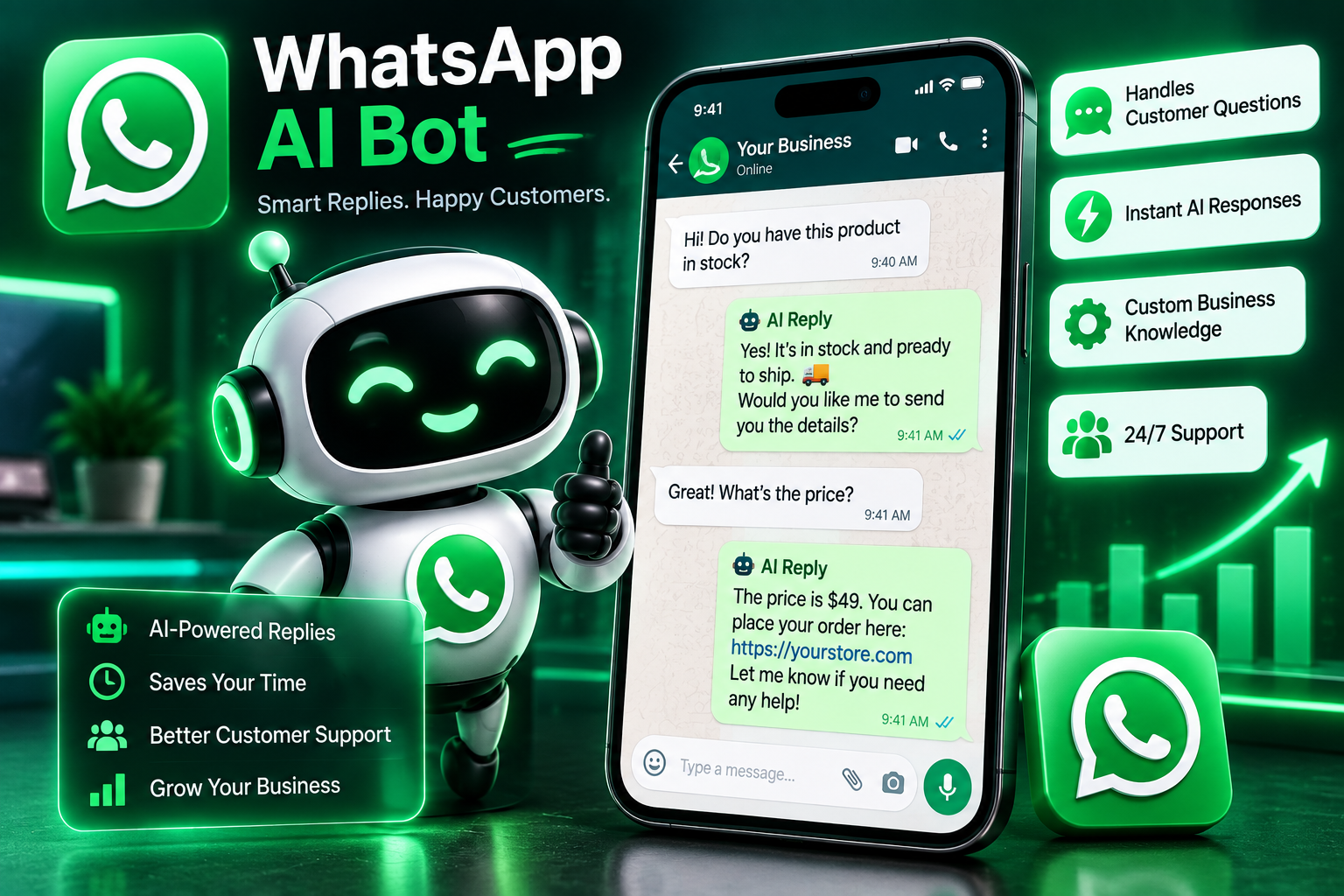
Answering the same customer questions over and over on WhatsApp eats up time that could go toward actual sales or support work. ReplyMind Bot reads incoming messages and generates a relevant AI response based on your business context — product details, FAQs, tone of voice — then sends it automatically or holds it for your approval first. It's built to sound like a person who knows the business, not a generic chatbot reciting a script.
System Ready to run
Platform Windows / macOS / Linux (Python-based, Chrome required)
Version v1.0.0
whatsapp AI bot
Product Information

Details

Price
83$
Category
Whatsapp
Platform
Windows / macOS / Linux (Python-based, Chrome required)
Version
v1.0.0
License
Single-Site Commercial License
Updates
Free updates for 6 months
Support
Email Support/Whatdsapp Support
Setup Time
Roughly 5-10 minutes to get running
Requirements
Windows 10+, macOS 11+, or Ubuntu 20.04+
WhatsApp account (standard or Business)
An API key for your chosen AI provider
Python 3.9+ (installs automatically during setup)
Stable internet connection
Features

What’s included

01

AI-Generated Replies

Reads each incoming message and generates a relevant, natural-sounding response.

02

Business Knowledge Training

Feed it your FAQs, product info, and policies so replies stay accurate to your business.

03

Approval Mode

Optionally hold AI replies for your review before they're sent, instead of sending automatically.

04

Tone Customization

Set a tone — formal, casual, friendly — so replies match how your business actually communicates.

05

Handoff to a Human

Flags conversations that need a real person and stops auto-replying once that happens.

06

Conversation Logging

Keeps a record of every incoming message and AI reply, exportable to CSV.

Workflow

How it works

STEP 1

Connect Your WhatsApp Account

Link the bot to your WhatsApp number to start monitoring incoming messages.

STEP 2

Add Your Business Info

Provide FAQs, product details, and any specific answers you want the AI to know.

STEP 3

Set Your Reply Mode

Choose automatic sending or approval mode, and set your preferred tone.

STEP 4

Let It Respond

Incoming messages get an AI-generated reply based on what you've provided.

STEP 5

Review the Logs

Check the conversation history anytime to see what was asked and answered.

Use Cases

Use cases

Small Business Owners

Handle common customer questions instantly, even outside business hours.

E-commerce Sellers

Answer order status, shipping, and product questions automatically.

Service Providers

Give quick, consistent answers to booking or pricing questions.

Support Teams

Handle first-response replies automatically, freeing up staff for complex issues.

FAQ

Frequently asked questions

It's designed to flag uncertain questions for human handoff rather than guess.
Yes, tone settings let you match the bot's responses to your business's usual style.
Yes, you'll need an API key from your chosen AI provider to power the response generation.
Automated messaging tools should comply with WhatsApp's business messaging policies; reviewing those terms for your specific use case is the user's responsibility.
Changelog

Version history

Version v1.0.0
2024-06-18
Full release combining all development stages — AI-generated replies, business knowledge training, approval mode, tone customization, human handoff, and logging all included from launch.